There’s a quiet but powerful revolution happening in the world of digital design — and it’s not about new software or flashy trends. It’s about who we show holding the screen.
For years, tech marketing leaned heavily on a narrow visual language: pale hands, minimalist desks, homogeneous faces. But as the internet became everyone’s internet, designers and marketers began asking a harder question: does our imagery actually reflect the people we’re building for?
The answer, more often than not, was no.
The Hidden Power of Representation in Tech Visuals
When a small business owner in Lagos sees a product mockup, she’s not just evaluating the interface — she’s asking, subconsciously, “Is this made for someone like me?” The same goes for a developer in Seoul, a student in São Paulo, or a freelancer in Amsterdam.
Representation in design visuals isn’t virtue signaling. It’s strategy. Research consistently shows that people respond more positively — and convert more readily — when they see themselves reflected in marketing materials. Inclusive mockups aren’t just the right thing to do; they’re the smarter business move.
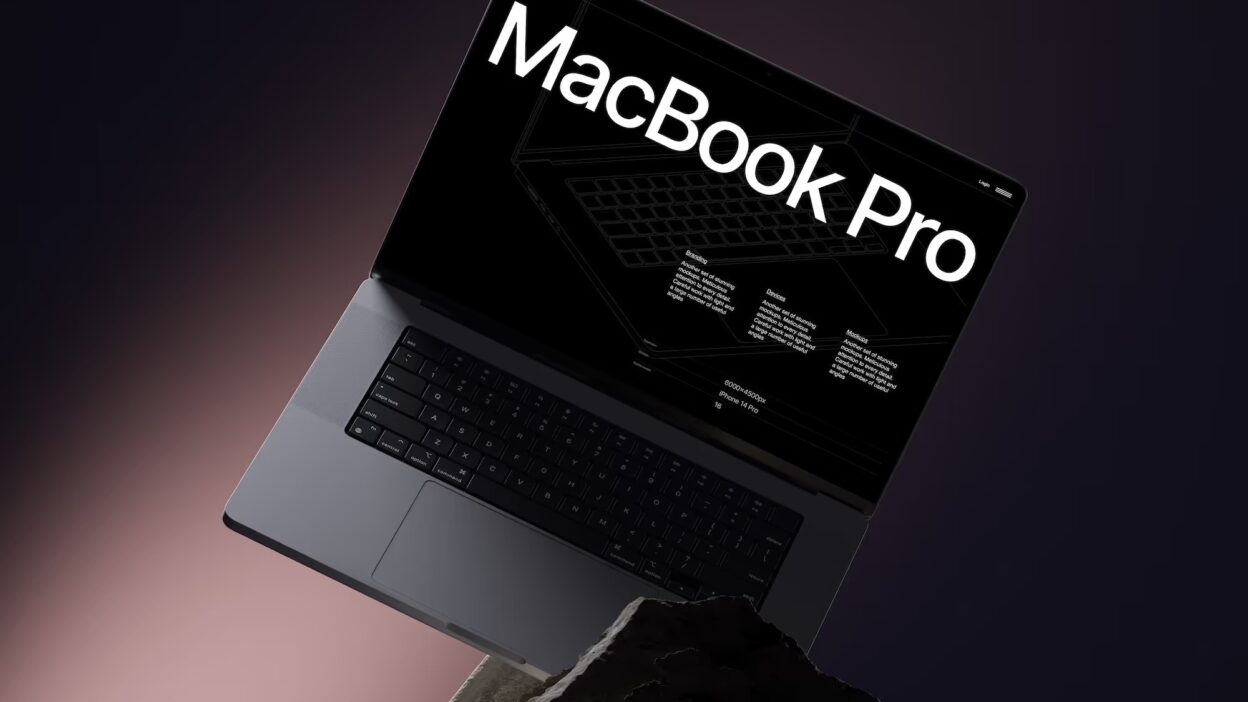
A MacBook mockup that features diverse hands, varied skin tones, different body types, and real-world contexts does something no perfectly polished, faceless product shot can do: it creates emotional resonance. It makes the viewer feel seen.
What “Inclusive Design Visuals” Actually Means
Inclusivity in mockup design goes deeper than swapping skin tones. True inclusive visual design considers:
- Ethnicity and skin tone diversity — showing hands and people across the full spectrum of human appearance
- Age representation — not just twenty-something creatives, but middle-aged professionals and older users too
- Gender diversity — moving beyond the binary and showing all kinds of people interacting with technology
- Contextual authenticity — placing devices in real, culturally varied environments rather than sterile white studios
- Accessibility awareness — showing users with disabilities engaging naturally with tech
When designers build mockups with this awareness, the resulting visuals feel alive. They tell a story instead of just presenting a product.
Real-World Use Cases: MacBook Mockups in Practice
Let’s get concrete. How are designers and brands actually using MacBook mockups with diverse visuals today?
SaaS landing pages are perhaps the biggest use case. A project management platform targeting global teams needs imagery that speaks to users in multiple regions. Using mockups showing diverse hands navigating a dashboard immediately signals: “This tool was built for everyone.”
Educational tech platforms use lifestyle mockups to show students of different backgrounds engaging with their learning interfaces — building emotional buy-in before a single lesson begins.
Freelance portfolio sites benefit enormously from mockups showing real-looking people at work. A designer from a non-Western background can present their work in a context that feels authentic rather than borrowed from a Silicon Valley aesthetic template.
App marketing campaigns on social media thrive on scroll-stopping imagery. A MacBook mockup featuring a confident woman of color working at a sunlit café tells a richer story than any stock photo of a generic glowing screen.
Agency pitch decks use contextual mockups to demonstrate cultural awareness to prospective clients — showing that the team thinks beyond default.
MacBook Mockups on ls.graphics: Premium Quality Meets Creative Flexibility
If you’re looking for the best MacBook mockups to support inclusive, high-quality visual work, ls.graphics is worth serious attention.
What sets their MacBook collection apart isn’t just aesthetics — it’s the professional depth behind every file:
- Ultra-realistic rendering that makes your screenshots look native to the device
- Organized, clean layer structures for fast, frustration-free customization
- Multiple angles — front, side, perspective, close-up — giving you full compositional freedom
- Various color styles, including dark, light, and neutral palettes to match any brand identity
- Stylish minimalistic compositions that feel editorial rather than templated
- Edit Online feature — no Photoshop required; customize directly in the browser
- A generous library of free scenes to explore before committing
For designers who care about both quality and efficiency, this kind of toolkit is genuinely rare.
Conclusion: Inclusion Is the New Standard
The shift toward inclusive design visuals isn’t a passing trend — it’s a cultural correction. As our audiences grow more global and more diverse, the imagery we use to represent digital products must grow with them.
MacBook mockups featuring real, diverse people are one small but meaningful way designers can close the gap between who builds technology and who actually uses it. The tools are there. The talent is there. Now it’s about intention.
Platforms like ls.graphics give designers the raw material — premium, flexible, beautiful — to bring that intention to life. The rest is up to you.